CHROME EXTENSION
BreezeInBot
Less homework. More headroom.
Fill answers for supported Breezin’ Thru music theory drills.
Try the demoCHROME WEB STOREScroll to explore
CHROME EXTENSION
Less homework. More headroom.
Fill answers for supported Breezin’ Thru music theory drills.
Try the demoAdjust speed and target score.
Target range: 80–100%. Demo only. No answers are submitted.
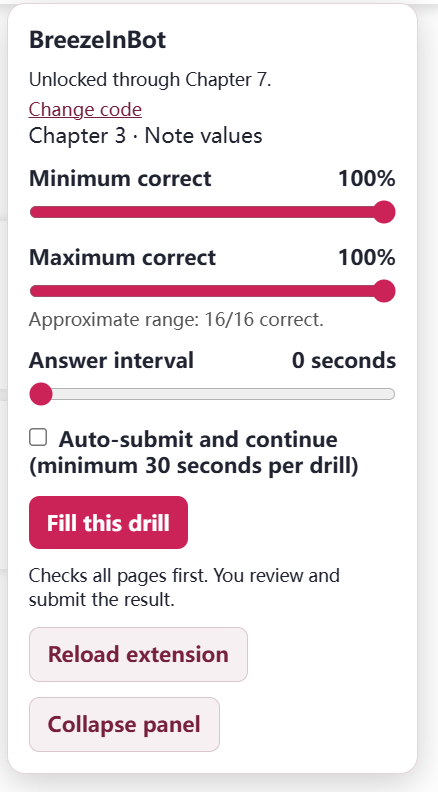
Install from the Chrome Web Store, then enter your activation code.
Click Download to open BreezeInBot in the Chrome Web Store.
In Google Chrome on your computer, click Add to Chrome. Review the requested permissions, then confirm Add extension.
Ask the developer for the activation code for your paid plan, then enter it in BreezeInBot.
Get BreezeInBot.